
We live in 2026. AI chats with us. Cars fly. And yet copying data from website is still tricky 🫠
CopyEmail helps instantly copy emails, phone numbers, addresses, and open locations in maps right from the page.

 Safari for MacIn development...
Safari for iPhone & iPadIn development...
Your clipboard deserves better
Copy what you need, not what you don't. A few real-life examples (because seeing is copying).
Emails from Google, Microsoft and any other website
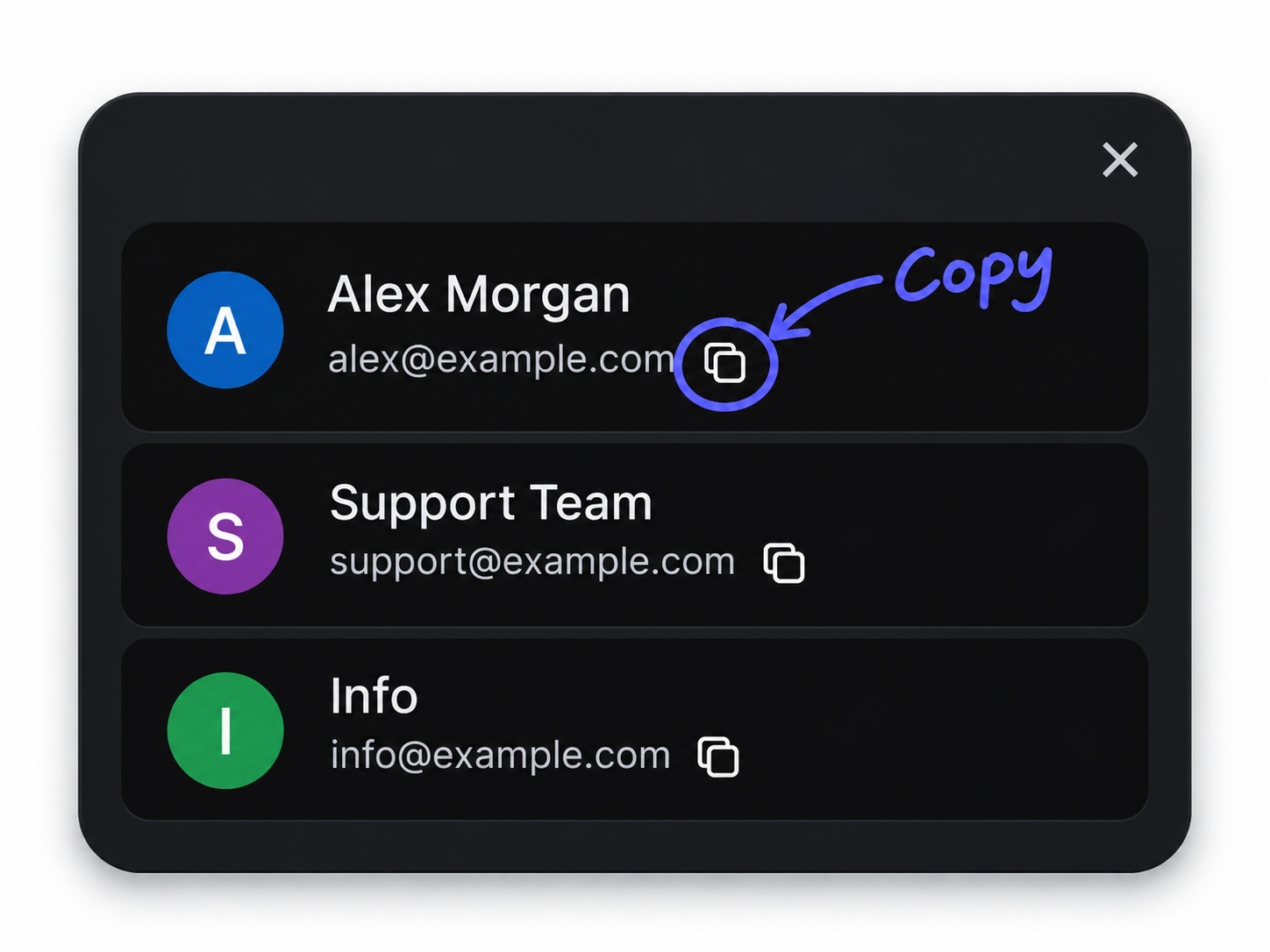
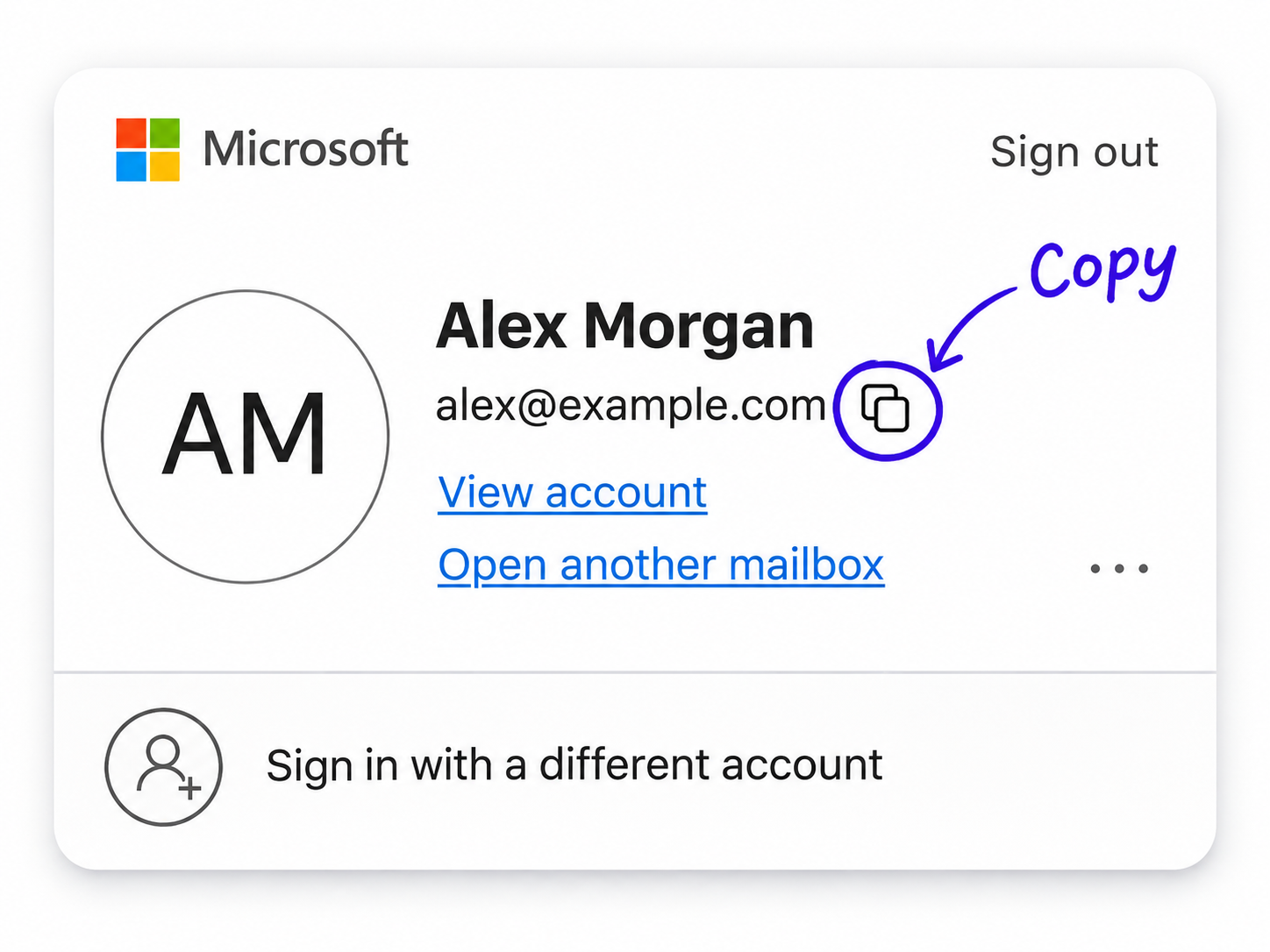
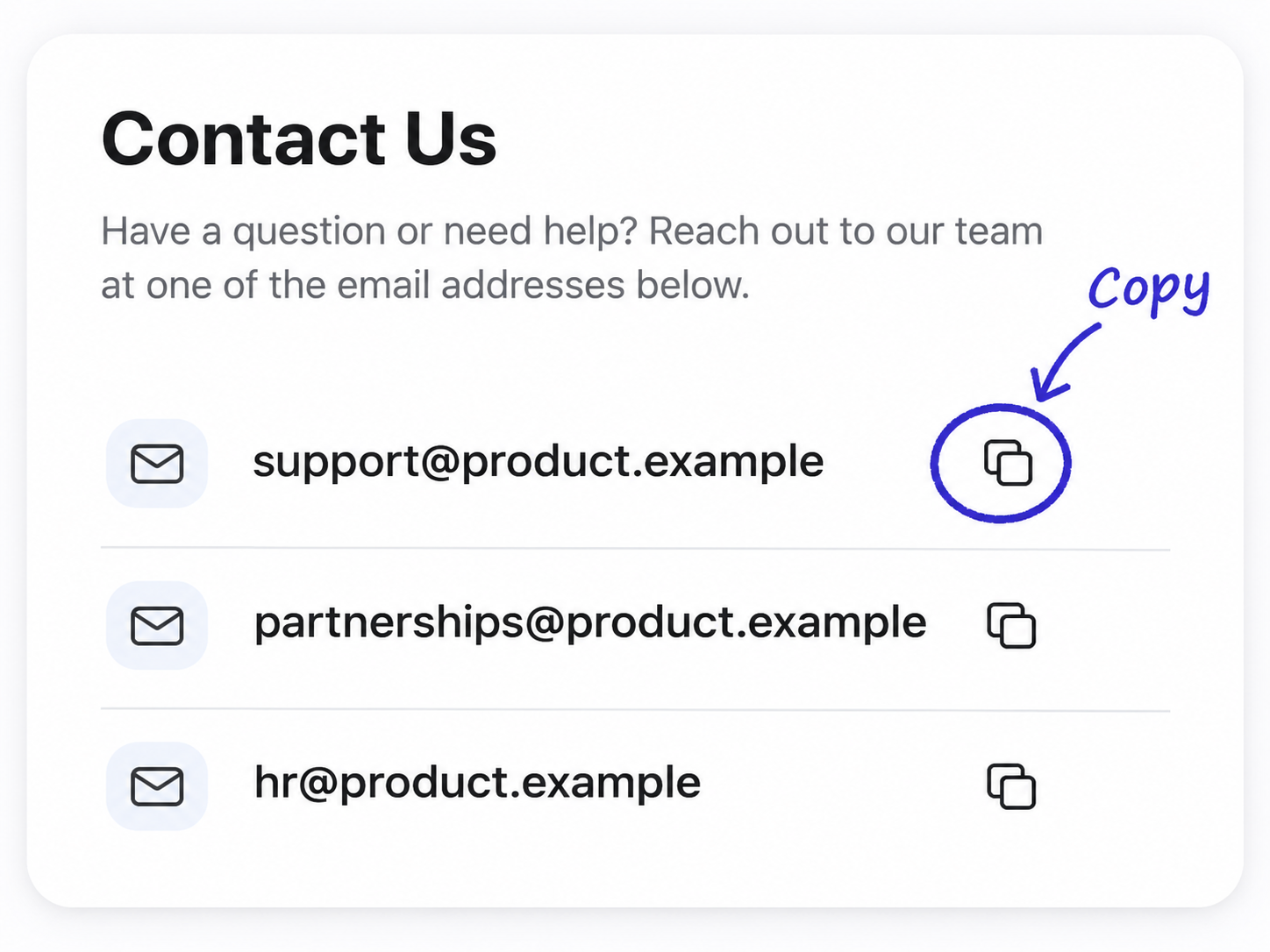
Copy email addresses from your favorite websites in one click.
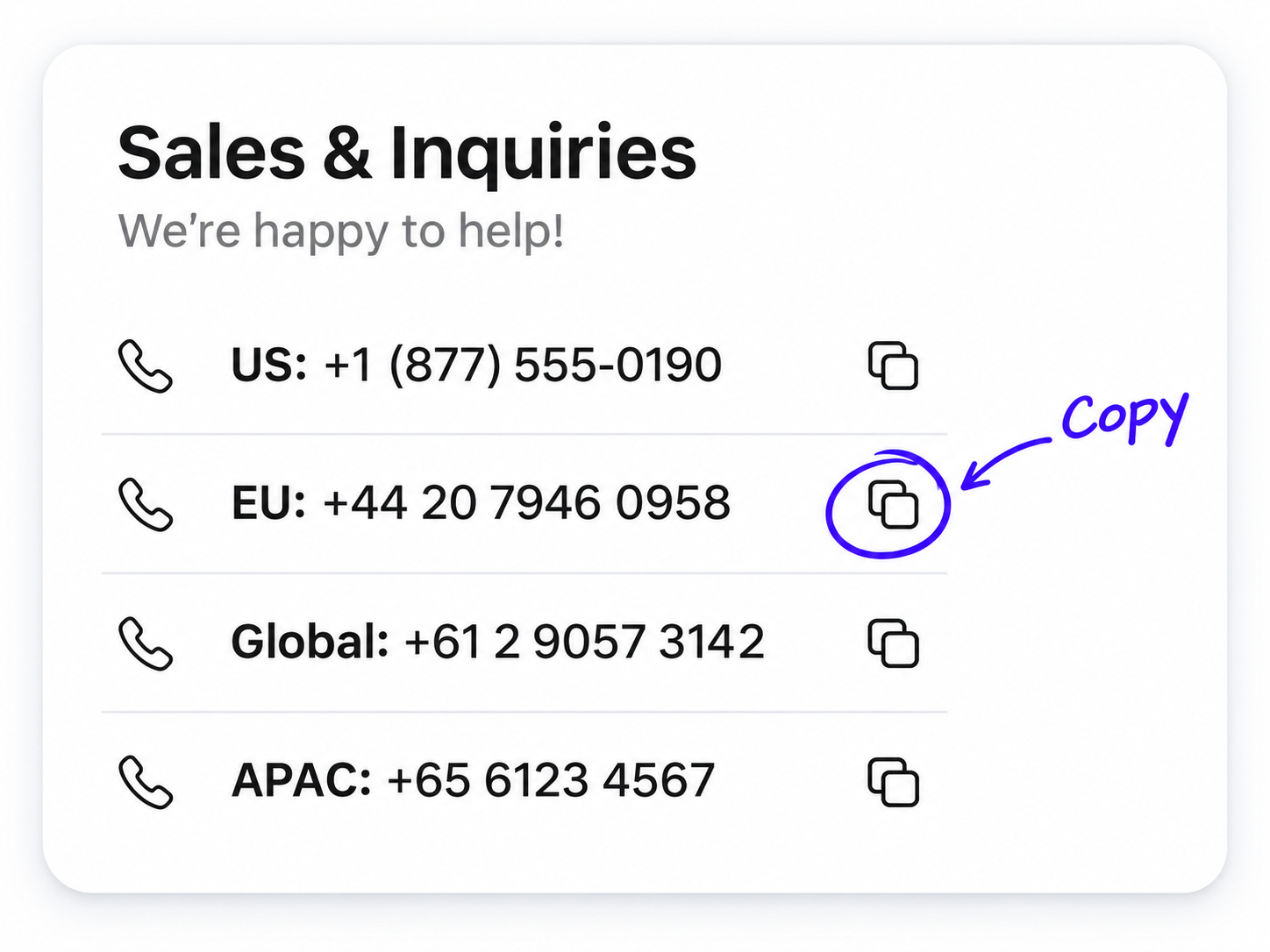
Phone numbers
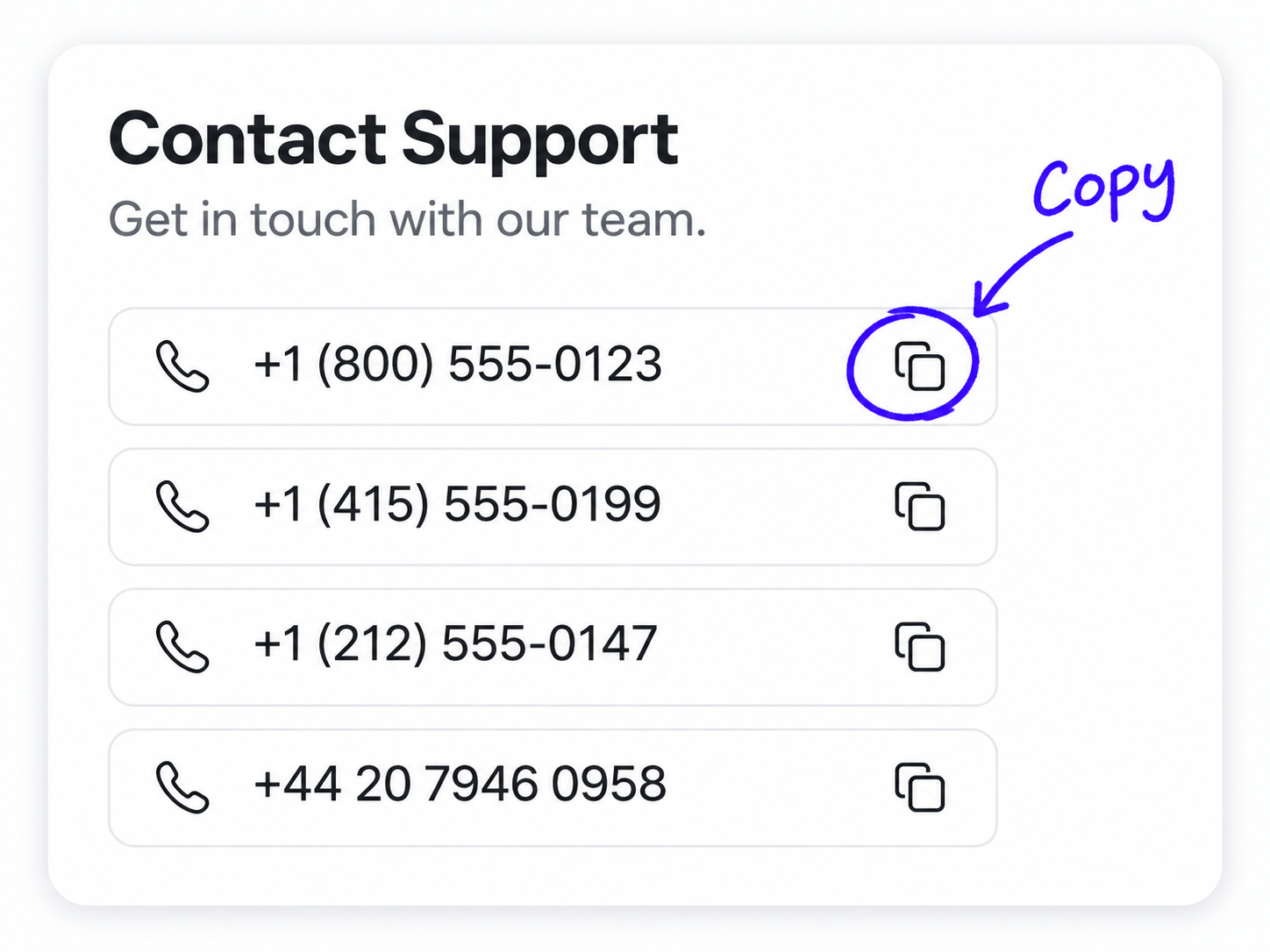
Copy phone numbers from contact, support, and business pages without retyping.
Addresses as direct Google Maps link
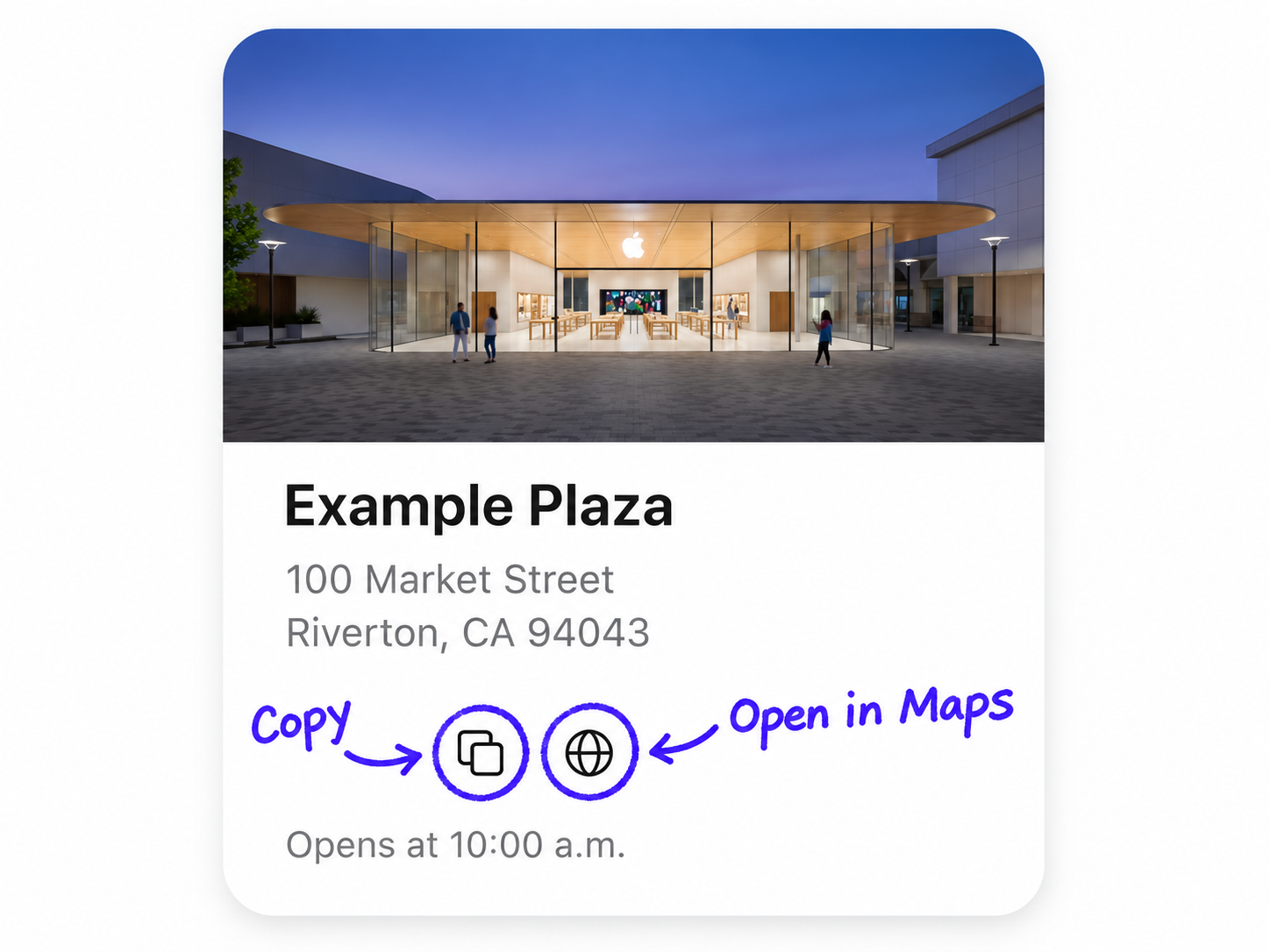
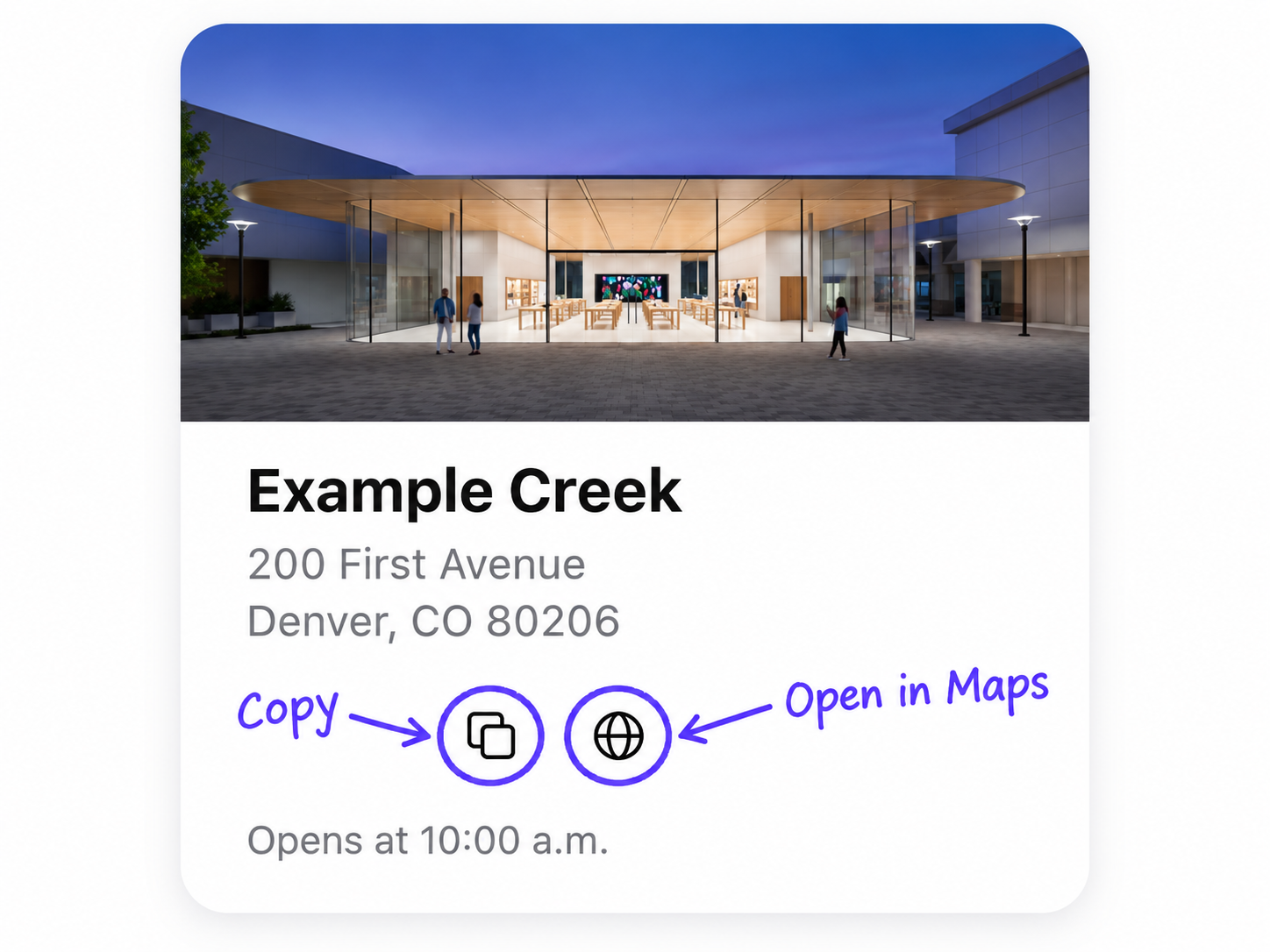
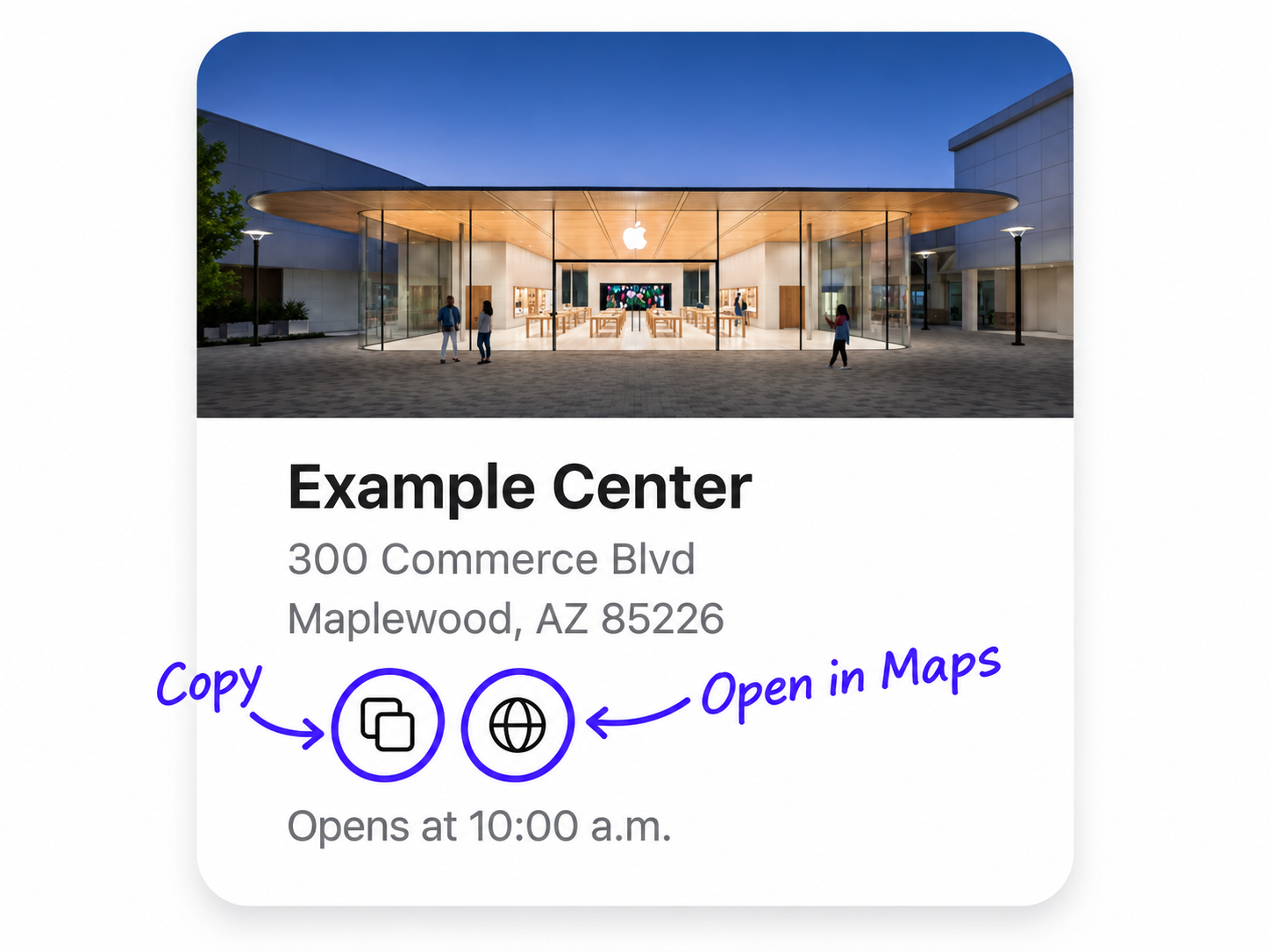
Copy addresses and open locations in Google Maps with a single click.
Globe icon = direct Google Maps link.
Save time
Copy what you need in a click instead of selecting and retyping.
Reduce manual work
Handle repetitive copy–paste tasks effortlessly.
Work anywhere on the web
Emails, phones, addresses, locations — CopyEmail works where you do.